Some links in this article are affiliate links. If you purchase through them, we may earn a commission at no extra cost to you.

Best Streaming Devices for 4K Streaming

A great streaming device isn’t just “an app launcher.” It’s the thing that determines how fast your TV feels, how reliably your apps behave, how good your streams look in real living-room conditions, and how much you want to throw the remote across the room when something buffers or a menu lags. The best streaming devices do five things well: (1) they stay fast and stable over time (smooth menus, quick app switching, minimal crashes), (2) they support the modern video formats your TV actually uses (4K HDR, Dolby Vision / HDR10+, and clean 24p playback), (3) they handle audio correctly (Dolby Atmos pass-through where it matters, no weird lip-sync behavior), (4) they make your life easier with a remote and UX that feels obvious (not a maze), and (5) they play nicely with your ecosystem — Apple, Google, Amazon/Alexa, or “I just want something simple.”

This list focuses on current, widely recommended streaming devices that are easy to buy from reputable retailers right now. You’ll see one premium “best overall” box that makes even expensive TVs feel snappier, a simplicity-first pick that’s hard to mess up, a Google/Android TV option that’s great if you live in that ecosystem, an Alexa-first power pick for people who want a hands-free living room hub, and a budget stick that still supports modern 4K HDR streaming without feeling like a compromise. The “Where to Buy” buttons go to major retailers and/or the official brand store so you can confirm availability and pricing before you purchase.

#1

Apple TV 4K (3rd Gen, 128GB Wi-Fi + Ethernet)

Best overall for most people who care about performance: fast, polished, and the most “premium-feeling” box day to day.
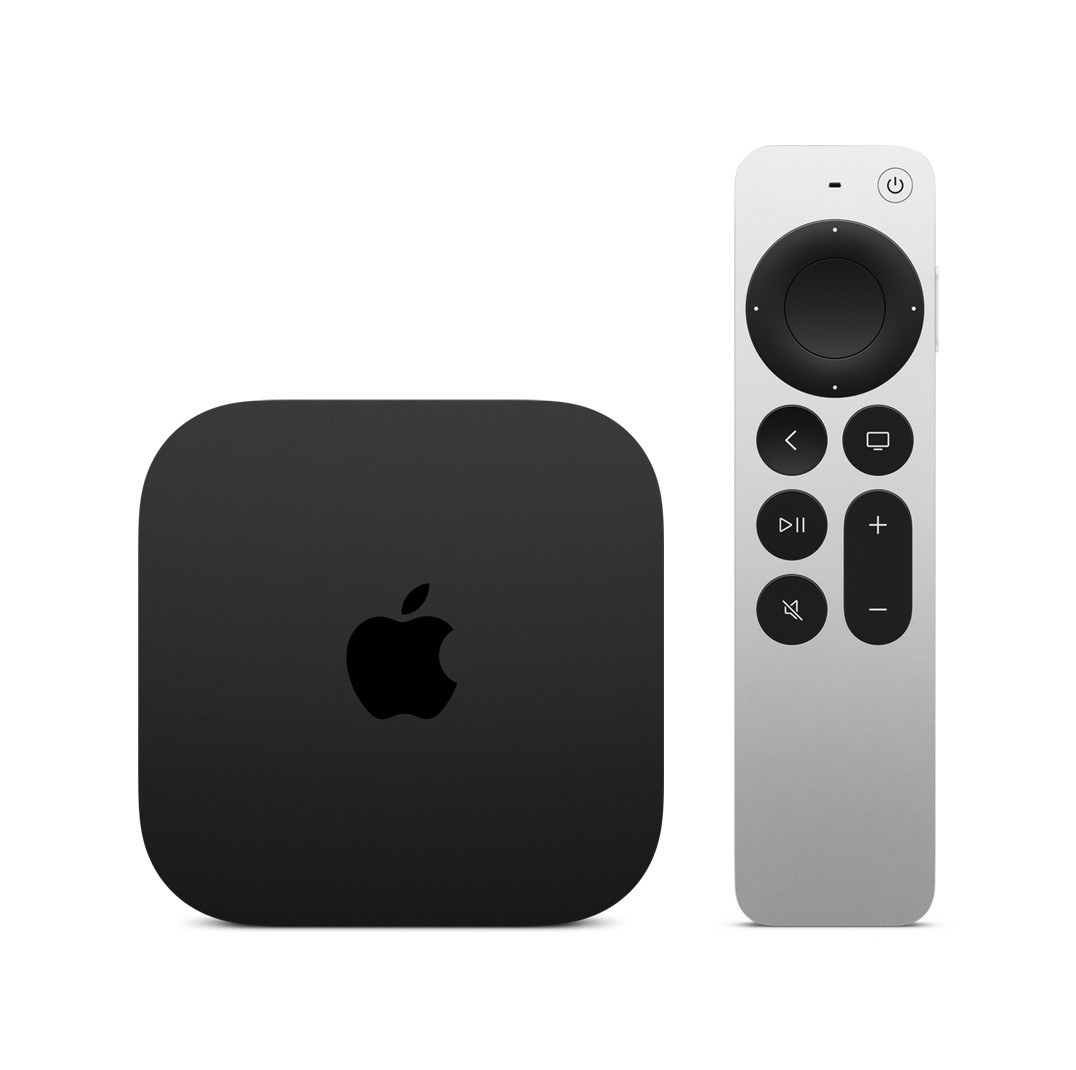
Apple TV 4K (3rd Gen, 128GB Wi-Fi + Ethernet)

Wins

Feels “instant” compared to most sticks: fast UI, quick app launches, smooth switching.
Modern format support for high-end TVs (4K HDR, Dolby Vision, HDR10+ on supported content).
The best ecosystem convenience if you use iPhone/iPad/Mac (AirPlay, Apple services, clean device control).

Woes

More expensive than “good enough” sticks — you’re paying for speed and polish, not basic access.
Best value if you actually notice/resent slow TVs and laggy streaming menus.

Need to Know

  • Get the 128GB Wi-Fi + Ethernet model if you want the most stable setup (wired option) and the “fully-loaded” version.
  • Supports 4K60 output with Dolby Vision + HDR10+ (TV/content dependent).
  • If your TV is great but the built-in OS feels slow, this is the fastest “new TV” feeling upgrade.
Apple TV 4K (3rd Gen, 128GB Wi-Fi + Ethernet) earns the #1 spot because it’s the box that makes streaming feel like an appliance instead of a hobby. You buy it, plug it in, and your TV experience becomes faster, cleaner, and more consistent — not just today, but months from now when cheap sticks start feeling sluggish. The big reason people love it is the day-to-day polish: smooth navigation, quick app behavior, reliable playback, and fewer “why is this acting weird?” moments. If you want the most premium, least-annoying streaming experience and you don’t mind paying more to get it once, this is the safest top pick.

Where to Buy

Best Buy Visit Store
Apple (Official) Visit Store
Amazon Visit Store

#2

Roku Ultra

Best “simple and always works” box: fast enough, straightforward, and one of the easiest UIs for households.
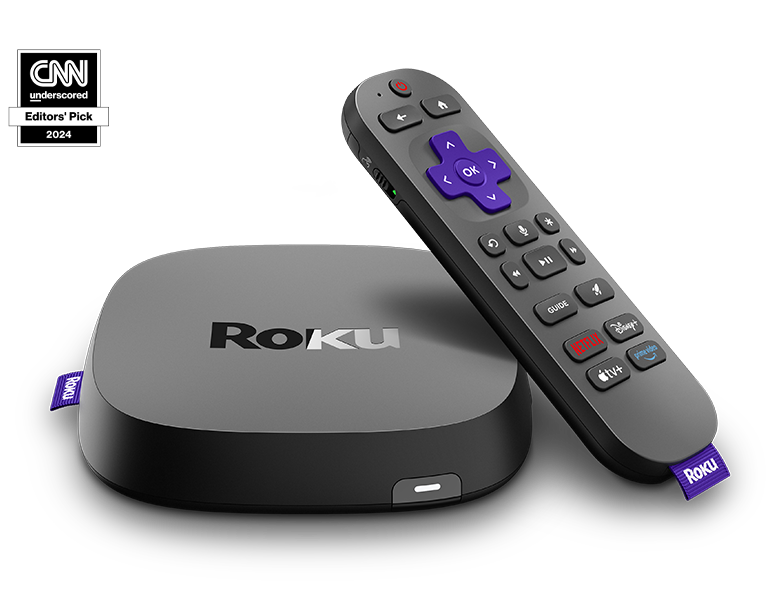
Roku Ultra

Wins

Roku’s biggest strength: “anyone can use it” simplicity with low learning curve.
A reliable household pick for mixed users (kids/guests/parents) without constant tinkering.
Strong app coverage and a UI that stays focused on getting you into content quickly.

Woes

Not as “luxury fast” as Apple TV for heavy power users who notice every animation and load time.
If you want the tightest Apple ecosystem features, Apple TV is still the better fit.

Need to Know

  • Best for families and shared TVs where simple navigation matters more than tweaking.
  • Look for support like Dolby Vision / Atmos depending on the specific Ultra model year.
  • If your goal is “stop thinking about streaming devices,” Roku is the classic answer.
Roku Ultra is the best pick for people who want a fast, modern streaming box that doesn’t turn the TV into a tech project. Roku’s superpower is usability: the UI is clean, the remote experience is straightforward, and the overall system tends to feel consistent across apps. It’s the device you buy when you want everyone in the house to be able to stream without asking which input, which profile, or which menu path to use. If you don’t need Apple-level polish and you mostly want “simple, stable, and easy,” Roku Ultra is the safest move.

Where to Buy

Amazon Visit Store
Roku (Official) Visit Store
Best Buy Visit Store

#3

Google TV Streamer (4K)

Best for Google/Android households: Google TV interface + Assistant + smart-home friendly setup in one box.

Google TV Streamer (4K)

Wins

Great if you already use Google services: clean Google TV UI + Assistant voice search that actually helps.
Smart-home friendly feel (especially with Google Home / Nest setups).
Modern HDR support (including Dolby Vision) on a mainstream platform.

Woes

If you want the fastest, most “premium console-like” UI, Apple TV still tends to feel snappier.
Google TV content discovery is great for some users and distracting for others (more recommendations, more tiles).

Need to Know

  • Best for Android users, YouTube-heavy households, and anyone already using Google Home/Nest.
  • Great option if your TV’s built-in Google TV is slow — this gives you a cleaner, faster “brain.”
  • Choose this when you want Google Assistant voice search and Google ecosystem convenience on the big screen.
Google TV Streamer (4K) makes sense because Google TV is one of the best “find something to watch without scrolling forever” interfaces — especially if your household lives inside YouTube, Google Photos, and voice search. The experience is less about being the absolute fastest box on the planet and more about being helpful: strong search, good recommendations (if you like that), and smart-home integration that feels natural if you’re already using Google devices. If you’re an Android/Google household and you want a modern 4K streamer that fits your ecosystem, this is the cleanest lane.

Where to Buy

Amazon Visit Store
Google Store (Official) Visit Store
Best Buy Visit Store

#4

Amazon Fire TV Cube (3rd Gen)

Best for Alexa households + hands-free control: a powerful box if you like voice control and Amazon’s ecosystem.
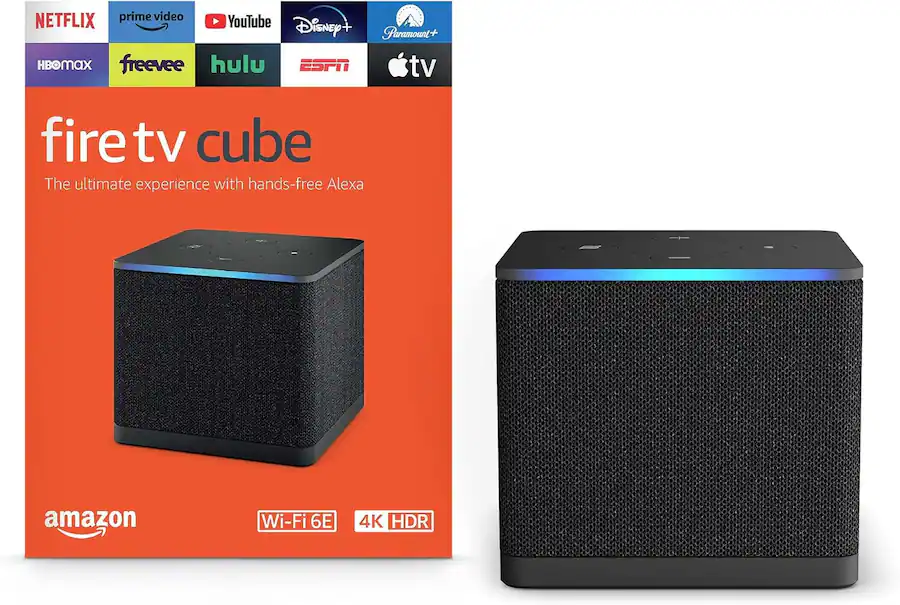
Amazon Fire TV Cube (3rd Gen)

Wins

Hands-free Alexa control is genuinely useful in real life (pause/skip/search without hunting the remote).
A strong “power user” Fire TV option for heavy streamers who want a faster box than a basic stick.
Good AV format support for modern TVs/soundbars (Dolby Vision / Atmos where supported).

Woes

Fire TV’s UI is more Amazon-content-forward than some people prefer.
If you don’t use Alexa or Amazon services, Roku/Apple can feel cleaner and less “pushy.”

Need to Know

  • Best for Alexa-heavy households and people who want hands-free control in the living room.
  • Great if you want a Fire TV experience that’s more “box power” than “stick compromise.”
  • Format support depends on your TV/content/apps, but it’s built for modern 4K HDR streaming.
Fire TV Cube (3rd Gen) is here because some households genuinely get value from Alexa being part of the TV — not as a gimmick, but as a practical control layer. If you regularly watch with your hands full (cooking, kids, cleaning) or you just prefer voice search to typing, the Cube experience can feel easier than most streamers. It’s also the Fire TV option that makes the platform feel more premium and responsive compared with entry-level sticks. If you like Amazon’s ecosystem and want hands-free convenience with a more powerful streaming box, this is the best Fire TV lane.

Where to Buy

Amazon Visit Store
Best Buy Visit Store

#5

Roku Streaming Stick 4K

Best budget pick: modern 4K HDR streaming in a cheap, tiny stick that’s easy to recommend.
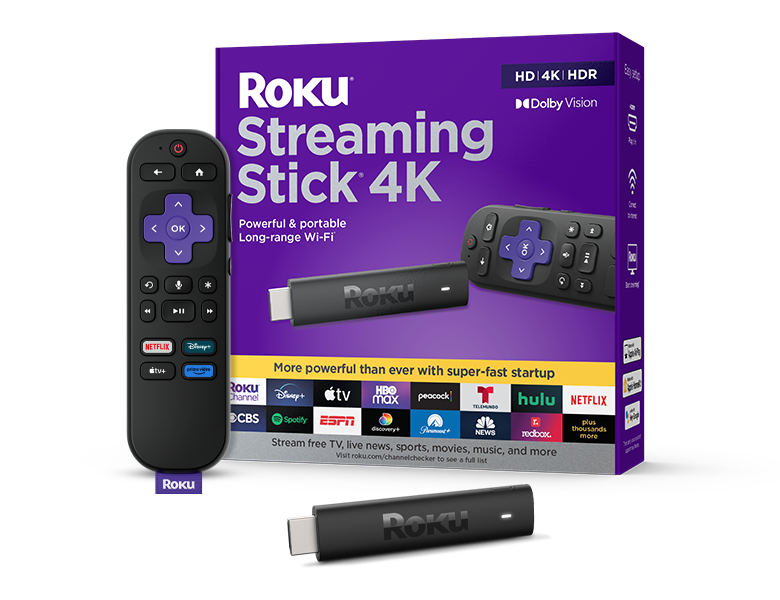
Roku Streaming Stick 4K

Wins

Excellent “just make my TV smart” value with a UI most people understand immediately.
Small, portable, and easy to move between rooms or take on trips.
A smart buy for secondary TVs, guest rooms, dorms, and budget upgrades.

Woes

Not as fast as premium boxes — heavy multitaskers may notice more loading and slower switching.
If you want the “best possible” speed and polish, jump to Apple TV or a premium box.

Need to Know

  • Best for budget buyers who still want modern 4K HDR streaming from a reputable platform.
  • Perfect for second TVs where you want a solid experience without spending premium money.
  • If your TV’s built-in apps are slow, even a budget stick can feel like a major upgrade.
Roku Streaming Stick 4K is the budget pick because it nails the job most people actually need: reliable streaming with an interface that doesn’t confuse anyone. It’s the right choice for guest rooms, bedrooms, dorms, and “I just want this TV to work” upgrades — and it’s also a great travel streamer because it’s tiny and easy to pack. You’re giving up some premium smoothness and speed compared with higher-end boxes, but you’re not giving up the core experience: easy access to your apps, stable streaming, and a platform that’s widely supported. If you want good results for the least money, this is the smart value lane.

Where to Buy

Amazon Visit Store
Roku (Official) Visit Store
Best Buy Visit Store

The Bottom Line

If you want the best overall streaming experience — the one that feels fast, premium, and consistently reliable — start with Apple TV 4K (3rd Gen, 128GB Wi-Fi + Ethernet). It’s the “make my TV feel expensive” box and the best antidote to slow built-in smart TV systems. If you want the easiest household-friendly streamer that almost anyone can use without instructions, Roku Ultra is the safest simplicity pick. Google/Android households who want Assistant voice search and Google ecosystem convenience should look at Google TV Streamer (4K). If you’re an Alexa home and you like hands-free control, Fire TV Cube is the power-user Amazon lane. And if you just want modern 4K streaming for the least money — especially for a second TV — Roku Streaming Stick 4K is the clean budget move.

Last updated: January 2026